For real estate
AI virtual staging for real estate photos, listings, and renovation conversations
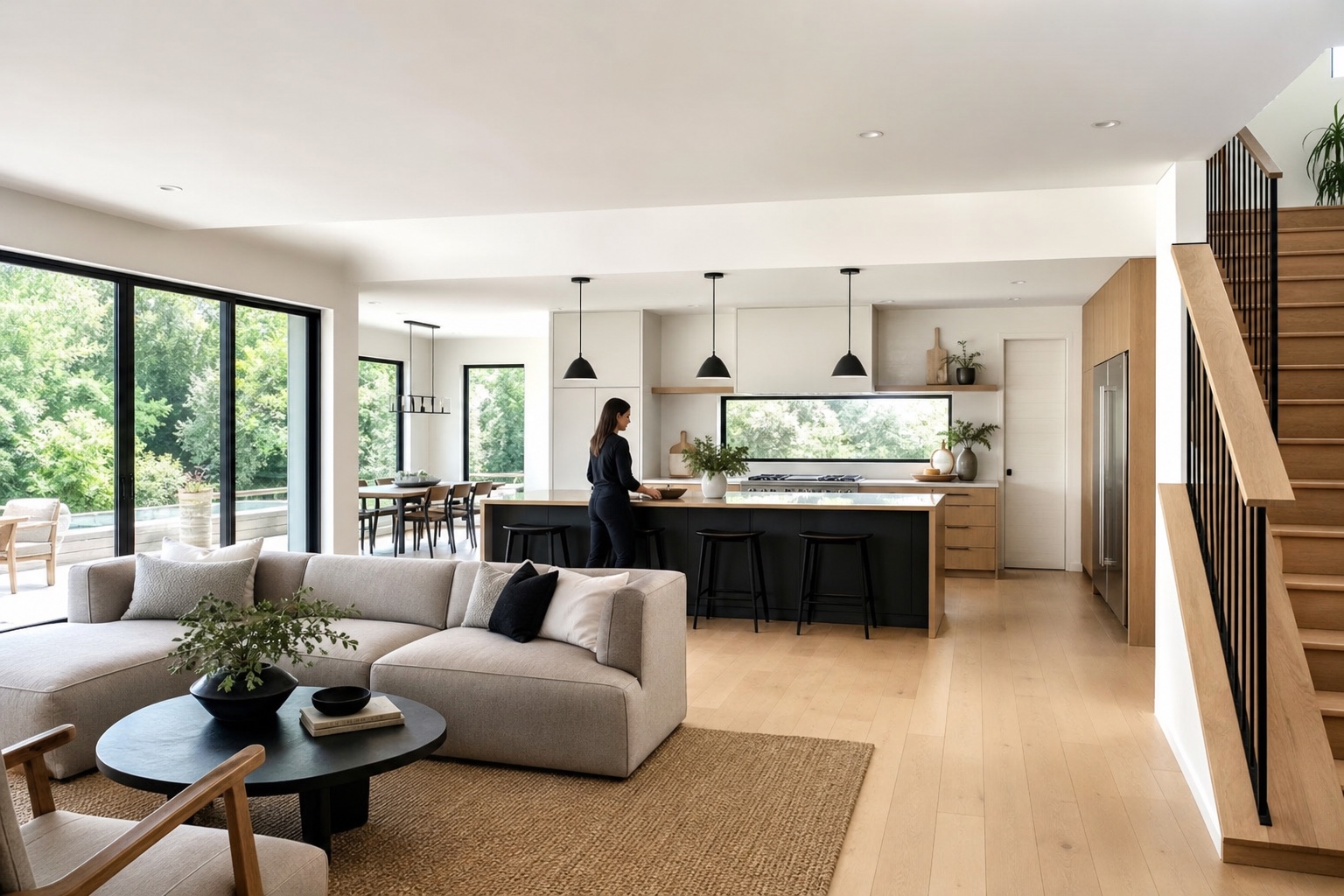
Real estate visuals need to help buyers imagine potential without misleading them. airender.pro can turn empty, dated, or hard-to-read listing photos into staged concept images for marketing discussions, renovation ideas, and buyer education, while keeping the property envelope clear.
Last reviewed: June 22, 2026
Who is this for?
Agents, developers, landlords, renovation teams, property marketers, and designers who need fast visual options from listing photos or site photos.
What should stay true?
The property envelope: walls, windows, doors, ceiling height, floor level, permanent fixtures, and camera angle.
What can change?
Furniture, styling, lighting mood, paint direction, soft finishes, decor level, and renovation concepts when clearly presented as concepts.
Keyword research focus
This page targets practical, question-led searches from architects and interior designers:
The real estate use case
Virtual staging works when it makes a space easier to understand. It fails when it hides defects, changes permanent architecture, or implies completed work that does not exist. Treat AI staging as a visual aid and keep claims honest.
Useful listing workflows
- Empty living room to furnished listing concept.
- Dated interior photo to light renovation direction.
- Small apartment to space-planning concept with realistic furniture scale.
- Developer model unit to multiple buyer personas.
- Exterior curb appeal concept with paint, planting, and lighting ideas clearly marked as proposed.
Prompt constraints for honest staging
- Preserve the room envelope, window positions, doors, ceiling height, and camera angle.
- Do not alter permanent walls, structural openings, view, floor level, or major fixtures.
- Use realistic furniture scale and leave believable circulation clearances.
- Keep the image visually appealing but not misleading.
Frequently asked questions
Can AI virtual staging be used in listings?
It can be useful, but disclosure rules vary by market and platform. Present AI-staged images honestly and avoid changing permanent property features.
Can it stage empty rooms?
Yes. Empty rooms are often strong inputs because the model can add furniture while the walls, windows, floor, and camera remain readable.
Can it show renovation potential?
Yes for concept conversations, as long as the image is clearly treated as a proposed visual direction rather than a current-condition photo.
Try the fast path
Upload a sketch, model screenshot, or interior image and generate quick concept renders with airender.pro presets.
Launch airender.pro